Post Polish
Start with the job you actually need: make one graphic, build a coordinated campaign, develop seller copy with optional AI assistance, or reuse saved product assets.
Watch Post Polish in action.
See the visual editor and promotional workflow, then open the interactive browser demo if you want to explore the interface yourself.
Choose what you want to do.
The final Home screen keeps everyday work focused. Pick one of four main tasks; reveal the full toolset only when you need it.
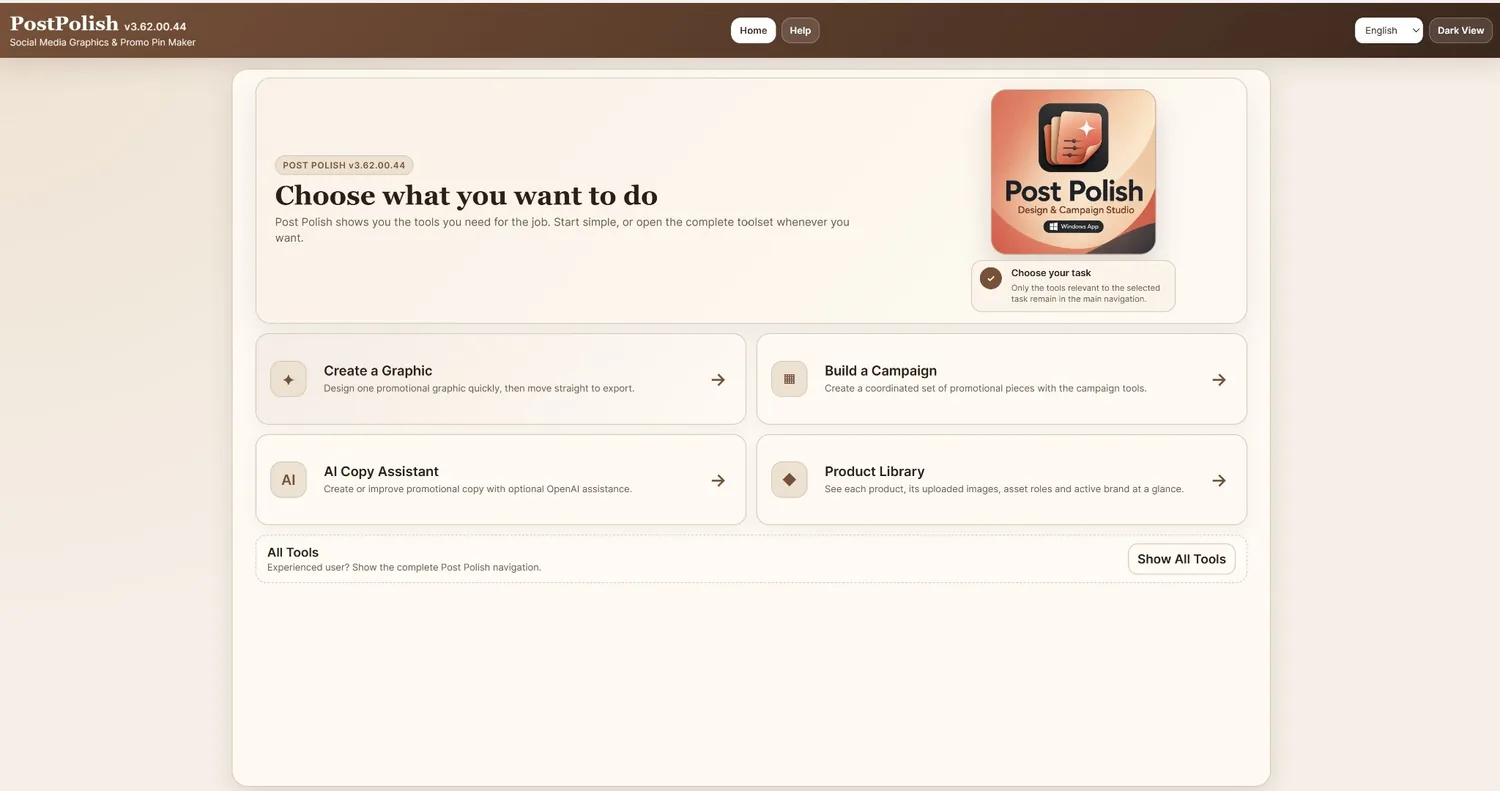
Create a Graphic
Choose a format or template, design in the Editor, then export.
Build a Campaign
Prepare product and brand information, build related graphics, review, then package the campaign.
AI Copy Assistant
Create or improve promotional copy using saved product facts and optional OpenAI assistance.
Product Library
Reuse product text, uploaded images, asset roles and the active Brand Kit.
Marketing one product should not mean rebuilding the same work again and again.
Reduce the searching, repeating and file-chasing that often surrounds the graphic itself.
Descriptions, benefits and offer details live in too many places.
Reuse reviewed product facts, descriptions, features and CTA information instead of reconstructing them for every graphic.
The design work slows down before the design even starts.
Keep product images, screenshots, logos, colours and reusable brand information available when the next design starts.
Each format starts to feel like a fresh project with duplicated work.
Create the graphics you need while keeping the campaign tied to the same product, assets and promotional purpose.
Completed graphics can end up mixed with drafts, revisions and older versions.
Review the campaign before export, then collect the finished materials in an organised seller package.
Format → Design → Export.
You do not have to build a campaign. For one-off graphics, Post Polish uses a direct three-step workflow.
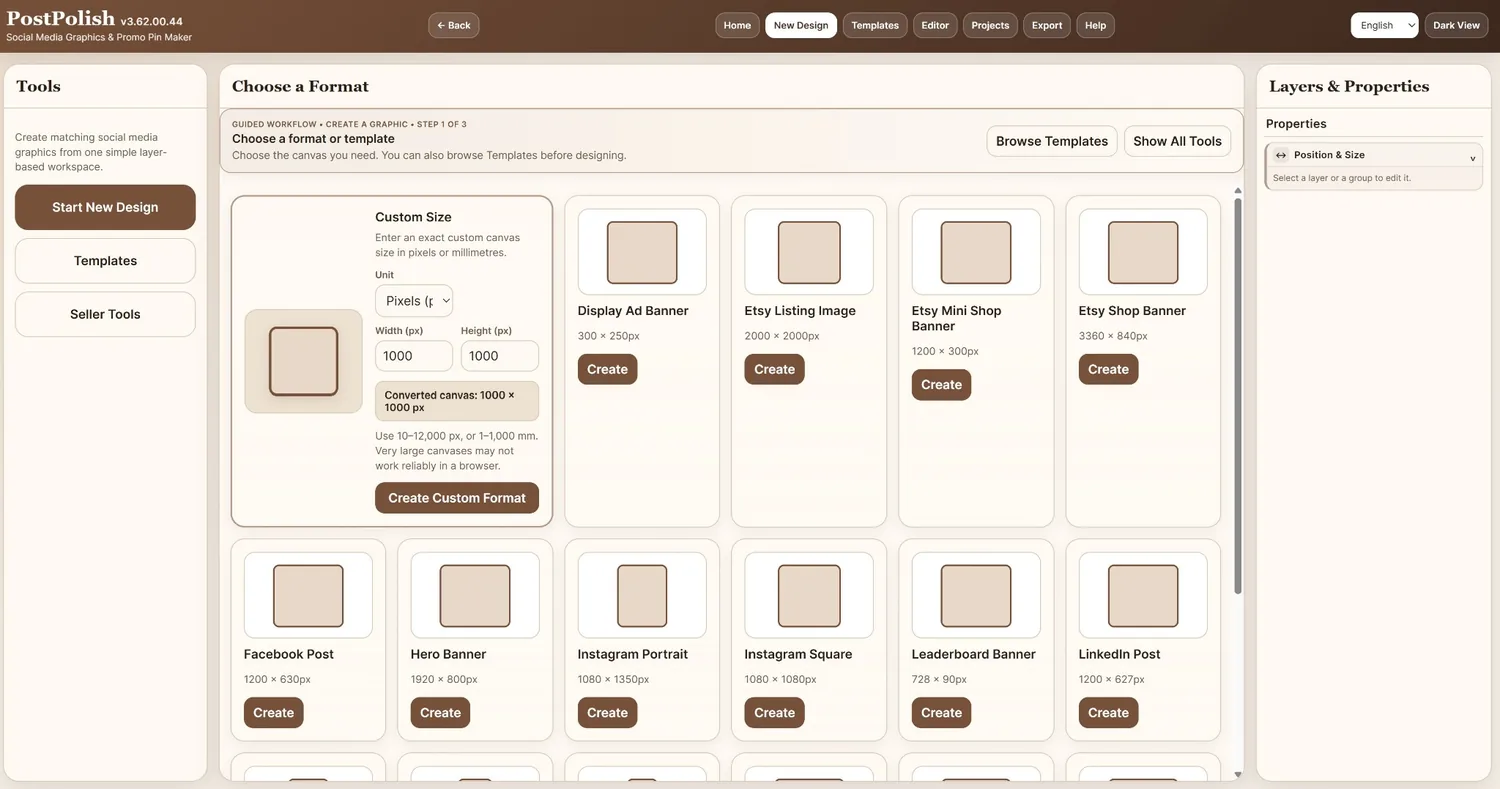
Choose a format
Pick a prepared social, marketplace or web size, enter a custom size, or browse templates.
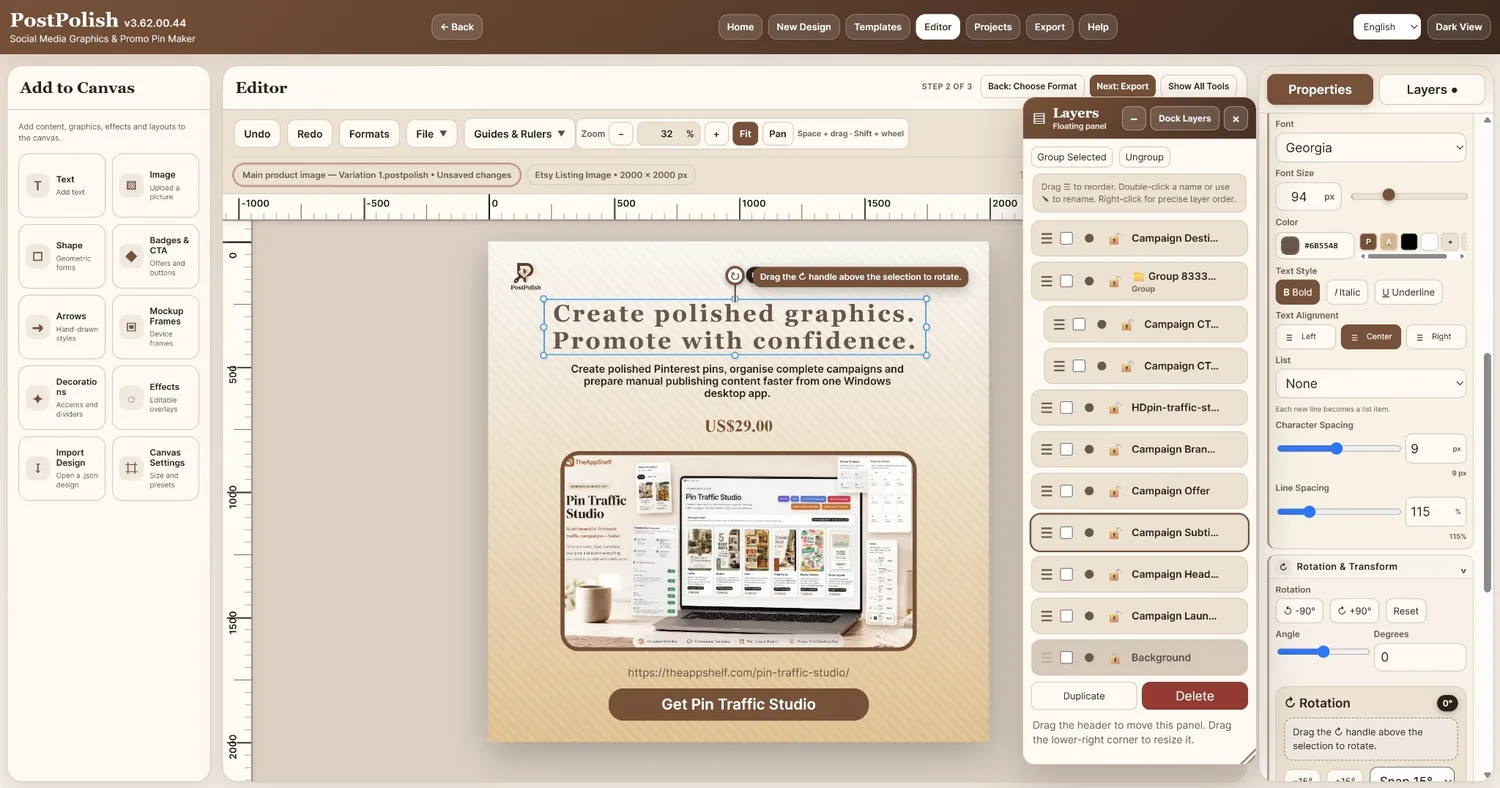
Design in the Editor
Work with editable text, images, shapes, CTA elements, mockups, decorations, effects, layers and precision tools.
Export what you need
Create the finished output while retaining the editable project for future changes and reuse.
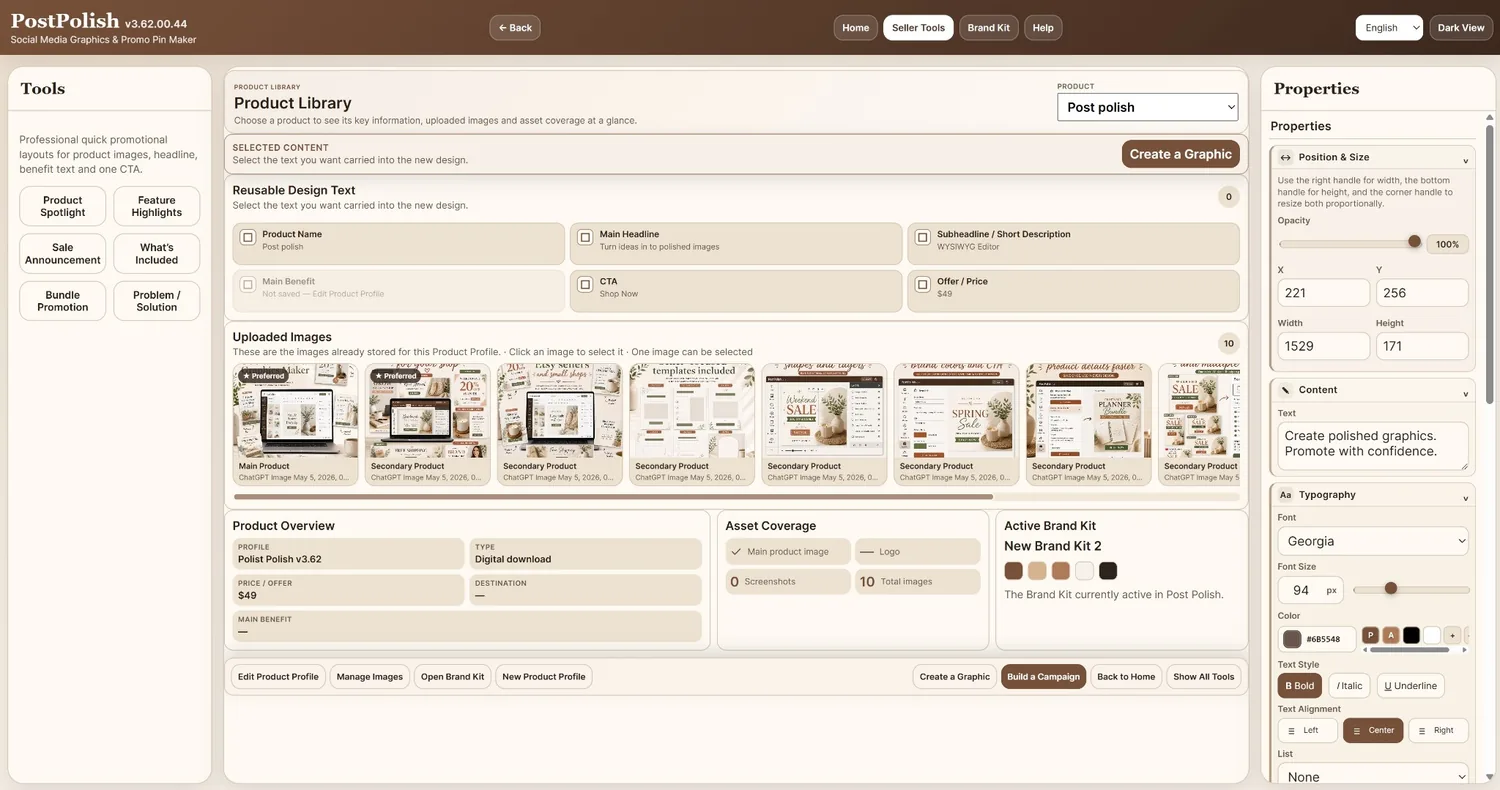
Stop re-finding the same product information.
Keep reusable product text and uploaded product images together, see asset coverage and the active Brand Kit, then carry selected content into a new editable graphic.
- Reusable product name, headline, description, benefit, CTA and offer fields
- Uploaded images with product roles and preferred choices
- Product overview and asset coverage at a glance
- Create a new graphic from selected product content
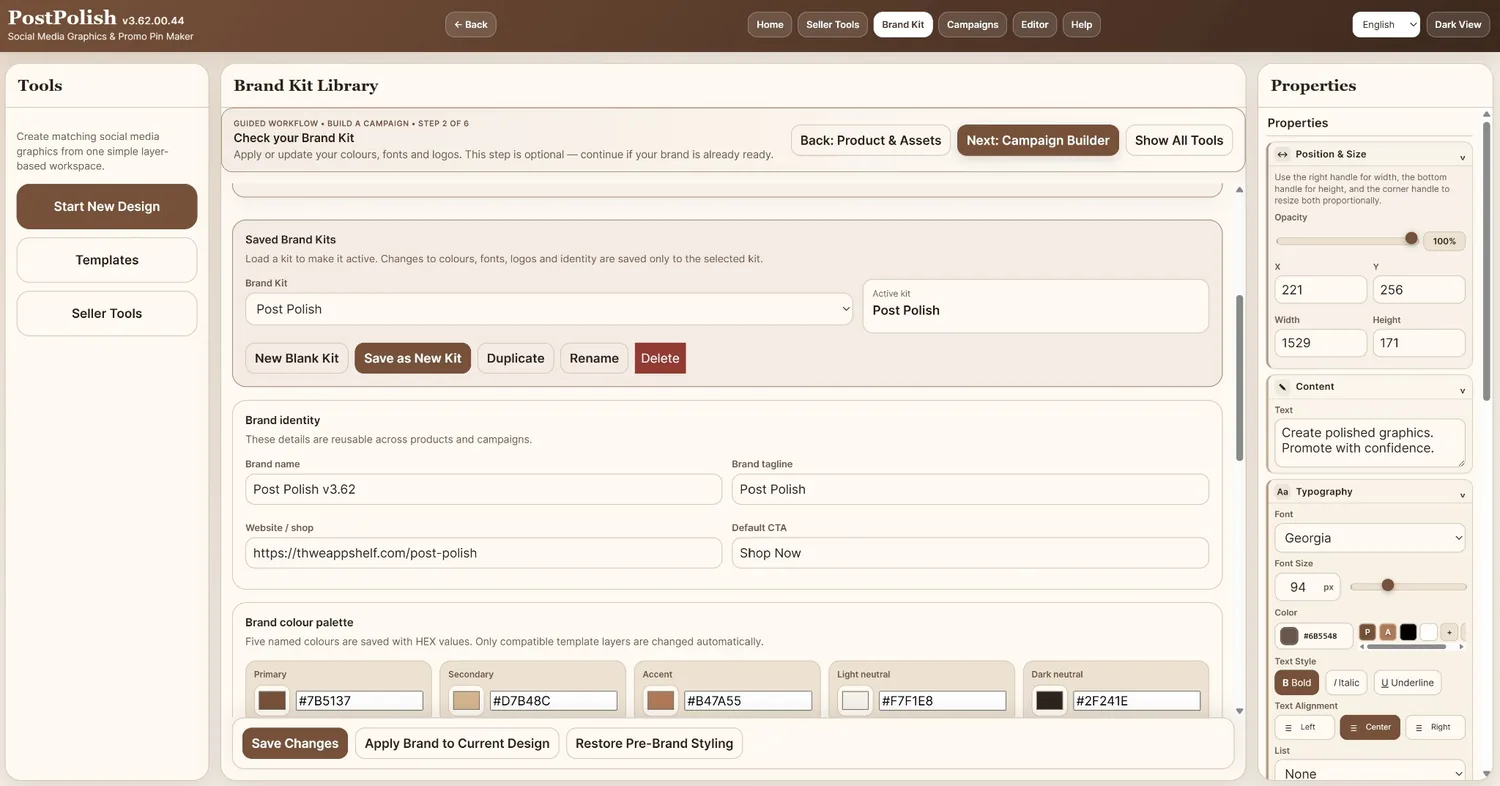
Prepare once. Reuse across designs and campaigns.
Save factual product information separately from temporary campaign details. Build named Brand Kits with reusable colours, fonts, identity information and logos.
- Reusable Product Profiles for factual product information
- Campaign-specific offer and urgency details stay separate
- Named Brand Kits with five colour roles, heading/body fonts and logos
- Apply compatible Brand Kit styling to the current design
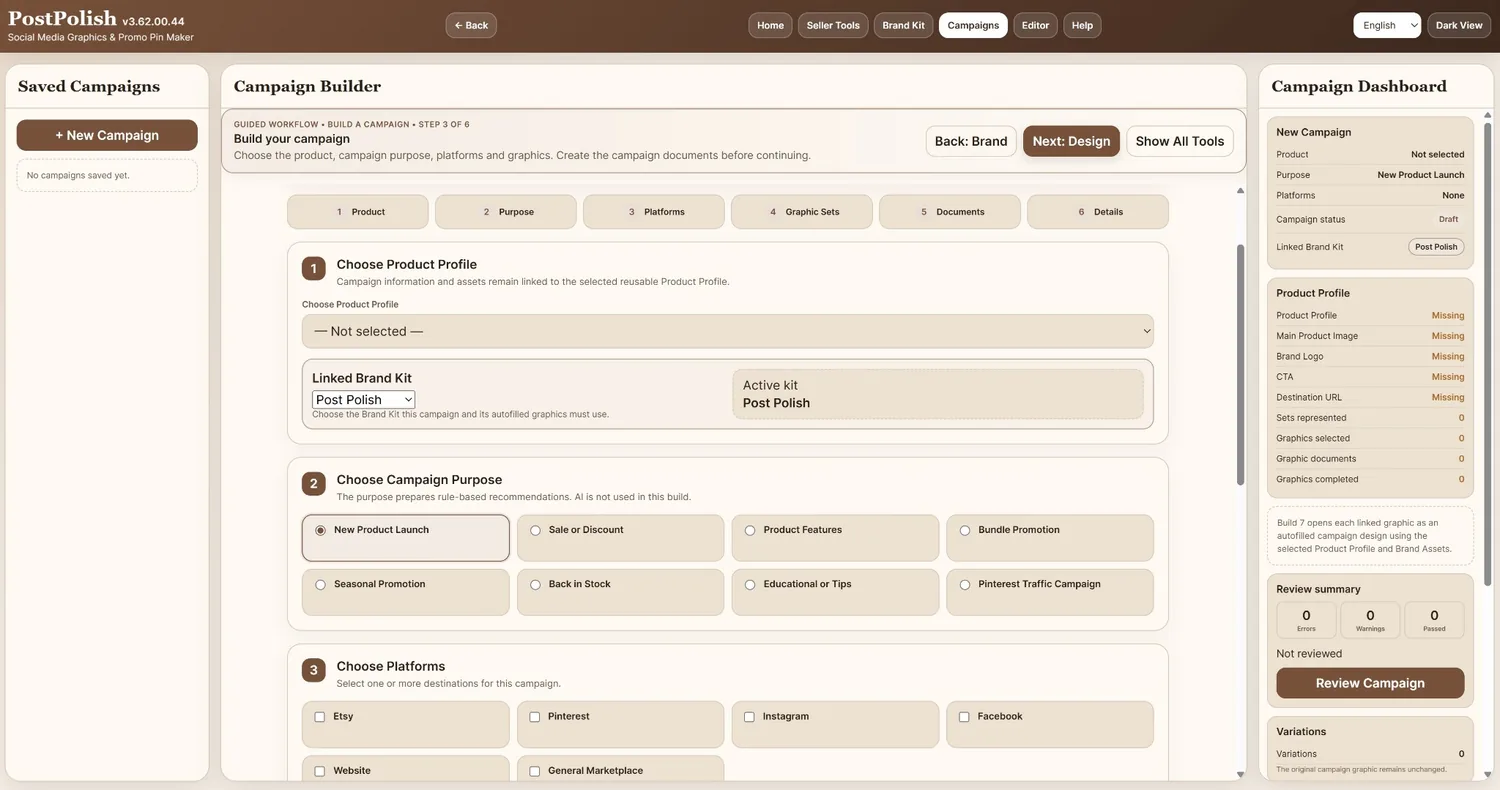
Six guided stages from product facts to final package.
Use the campaign workflow only when several promotional pieces belong together. Product, brand, graphics, review information and exports stay connected around the promotion.
Plan the campaign and choose the graphics
Use Campaign Builder to decide which coordinated outputs belong in the promotion.
Design each graphic inside the connected campaign
Move through the campaign graphics without losing the campaign context.
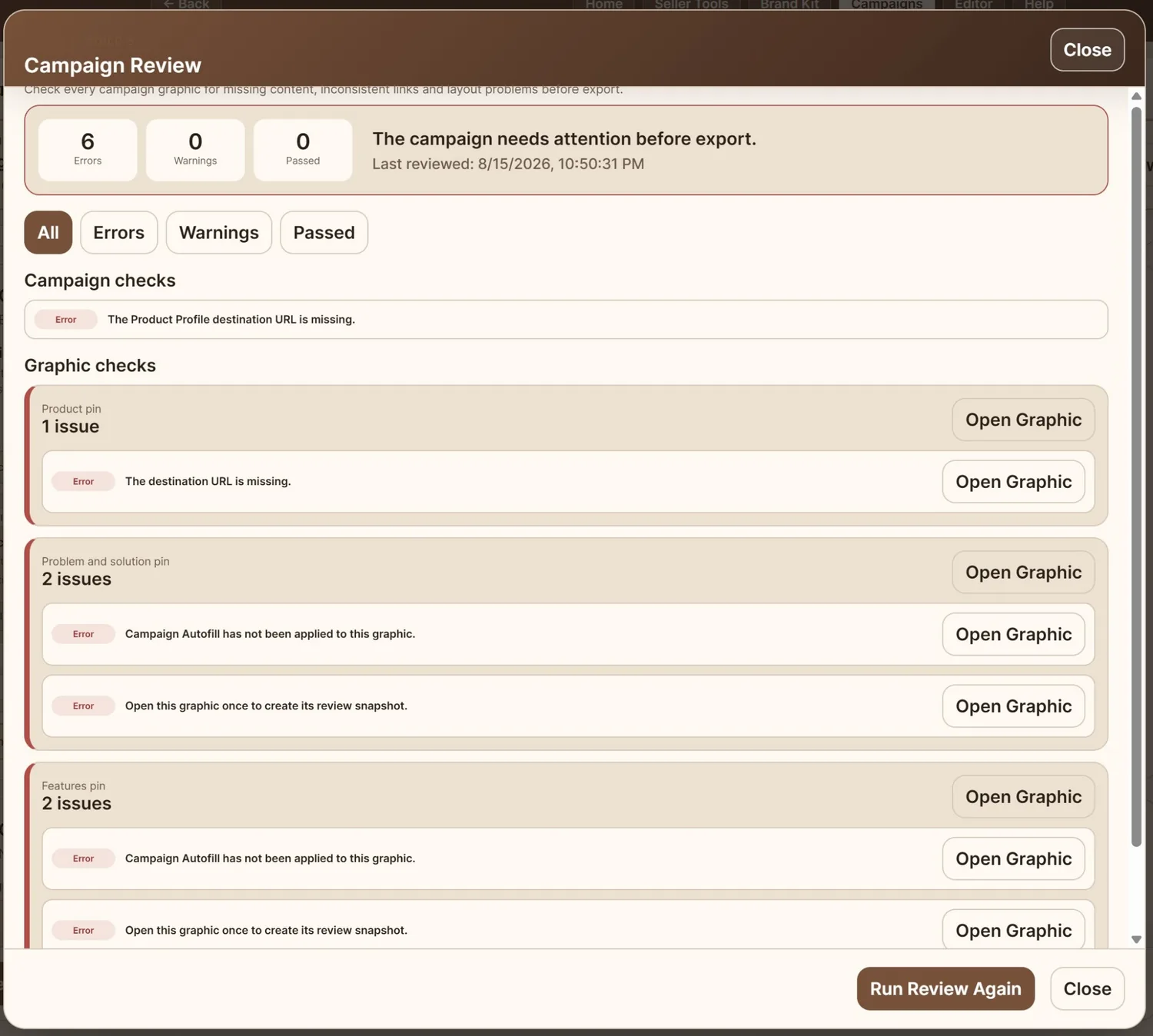
Review before packaging
Check campaign-level and graphic-level issues and reopen the relevant design when something needs attention.
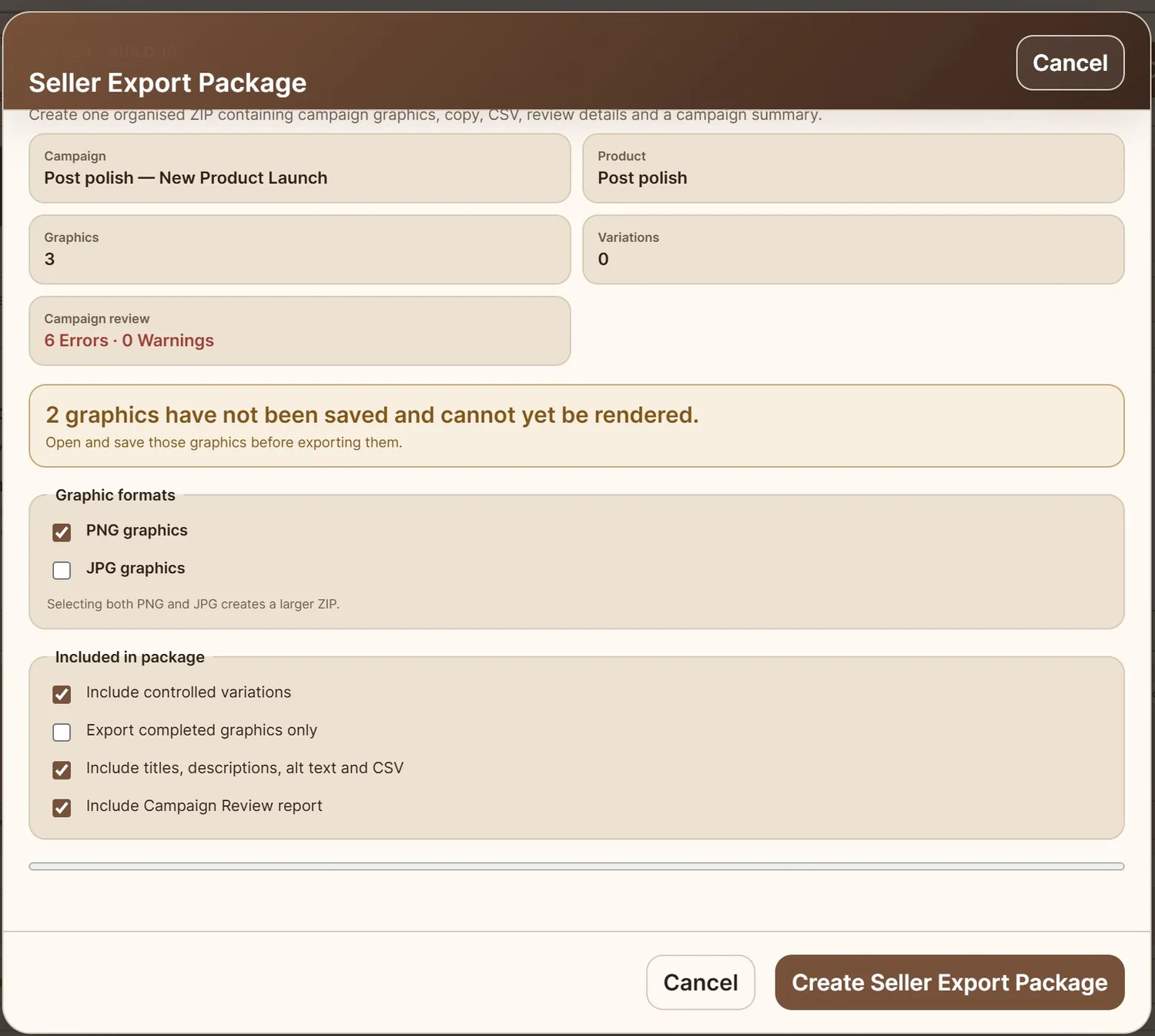
Create the seller export package
Package selected graphics and campaign information into an organised final delivery.
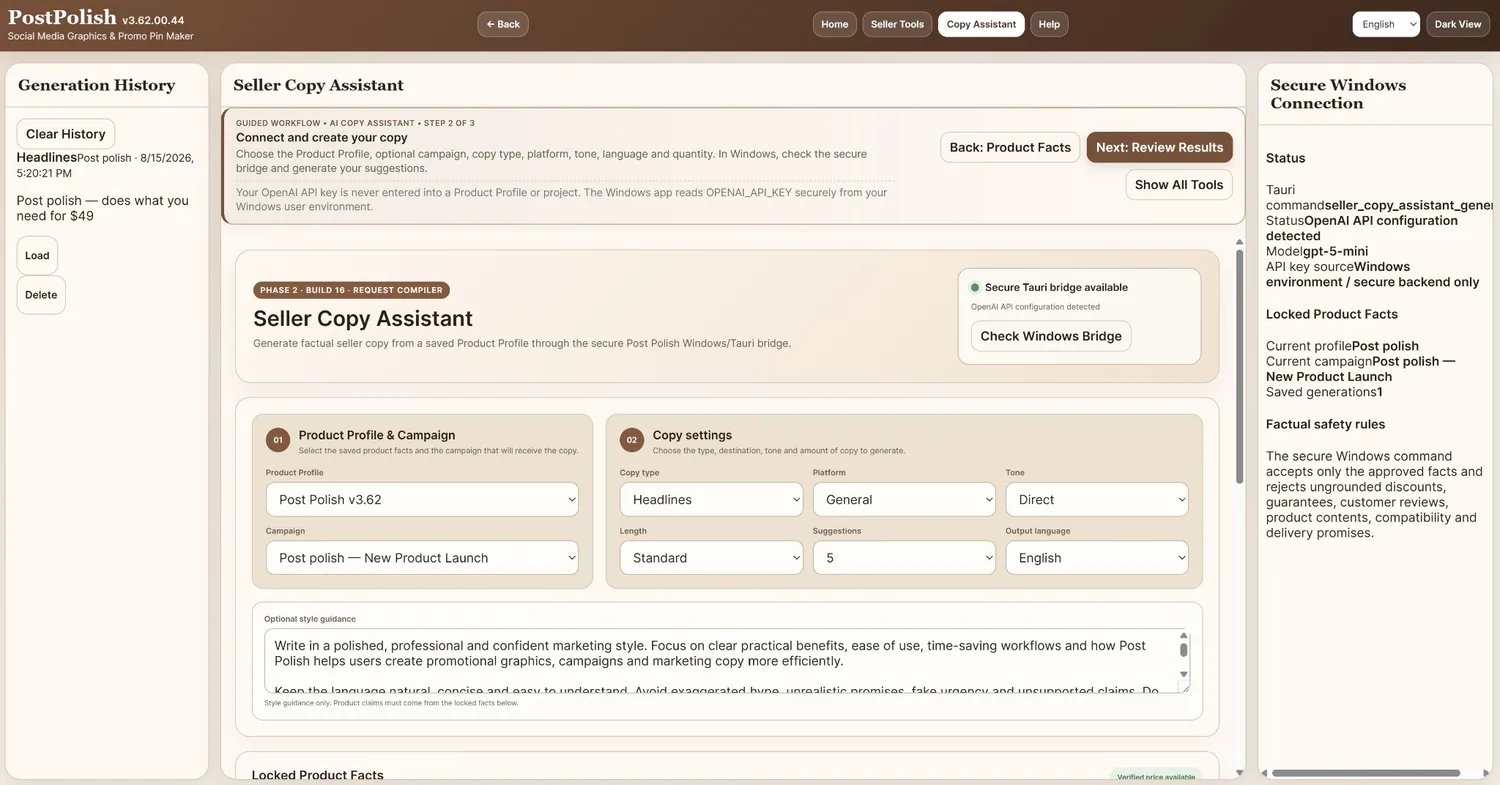
Use AI when you want it. Keep factual product data in control.
The Windows version can connect to OpenAI through the secure Tauri bridge. Your saved Product Profile supplies the approved factual source; generated suggestions remain drafts for you to review.
Select a saved Product Profile and optional campaign context.
Choose copy type, platform, tone, length, quantity and output language.
Copy, regenerate, insert or save approved wording where it belongs.
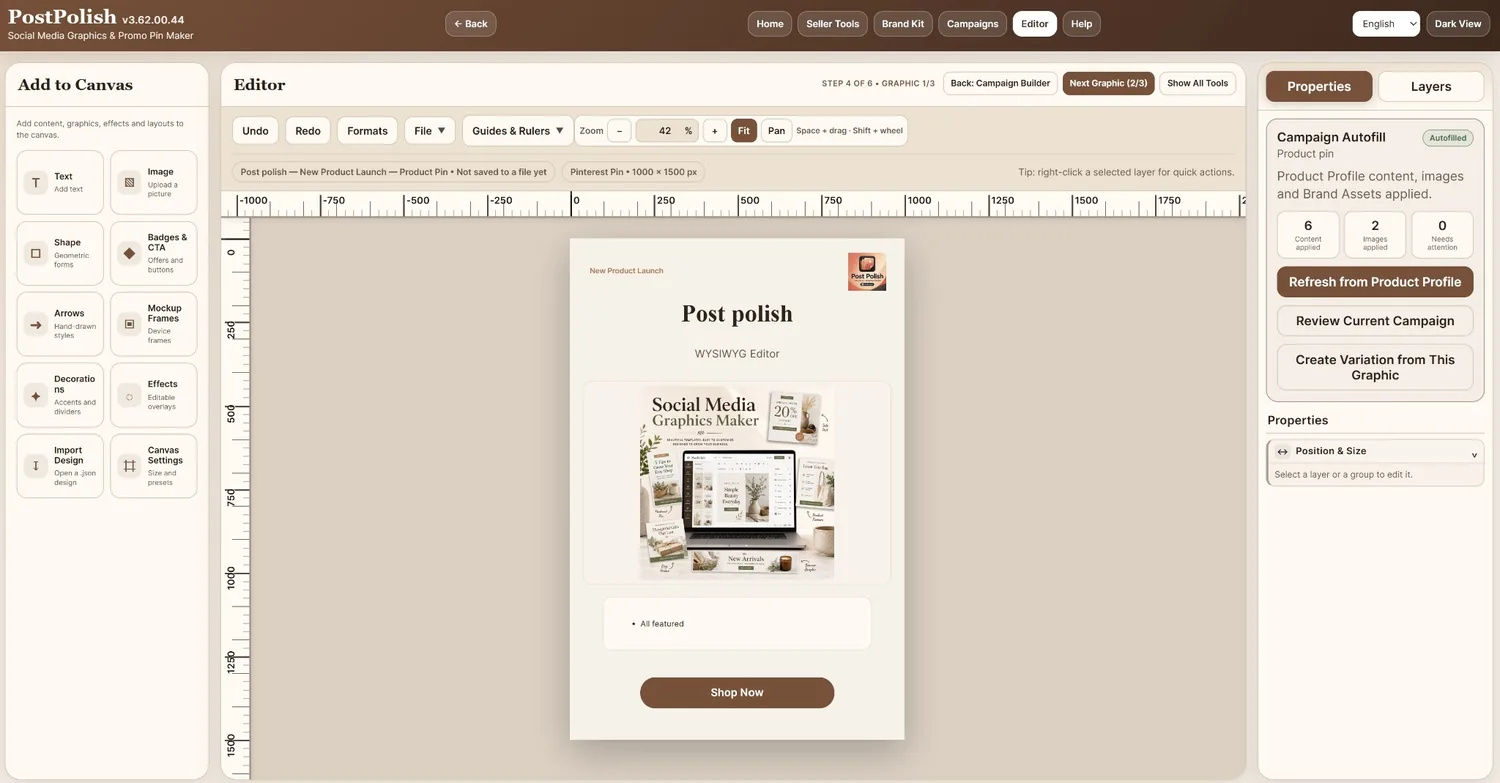
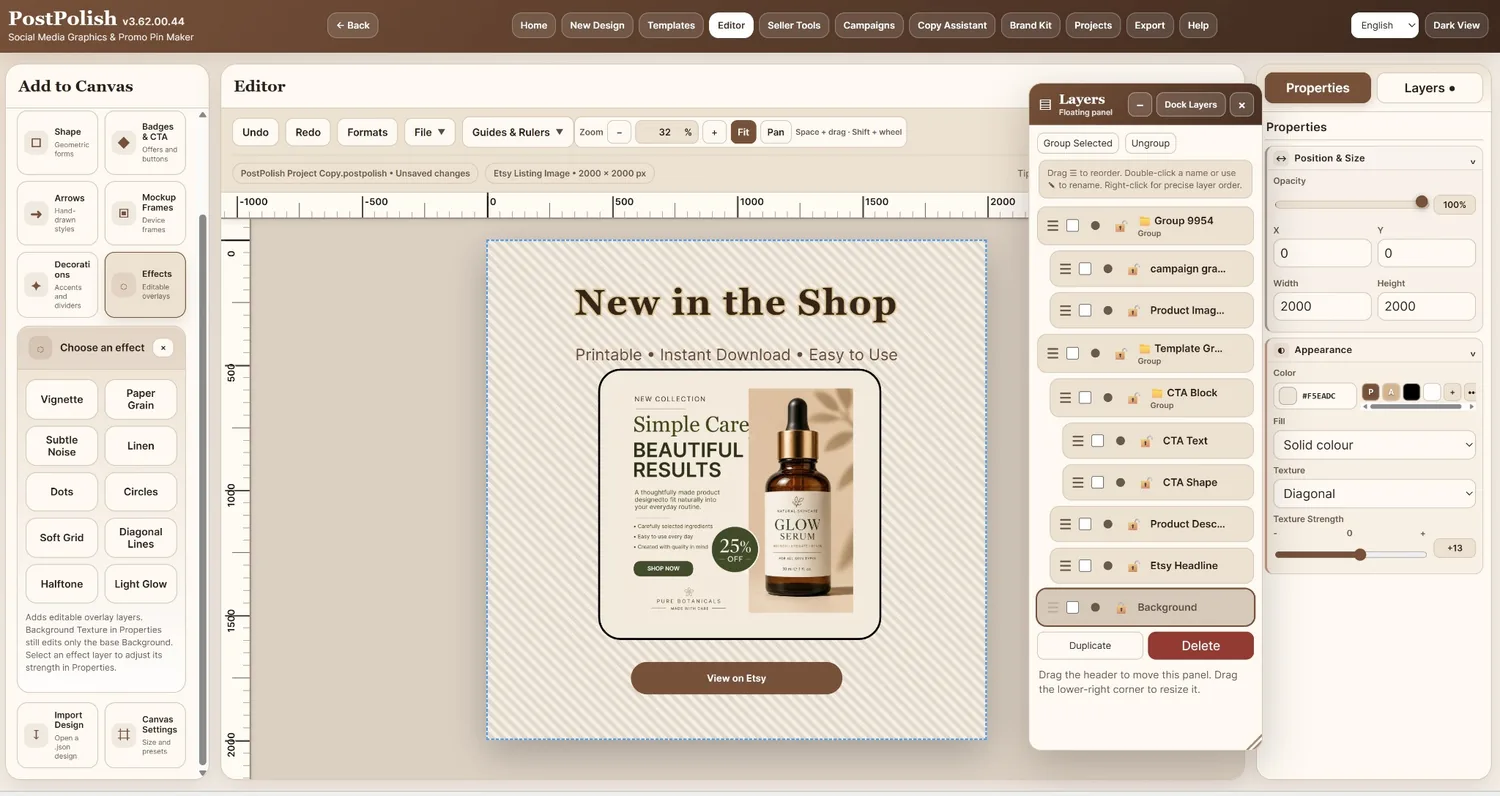
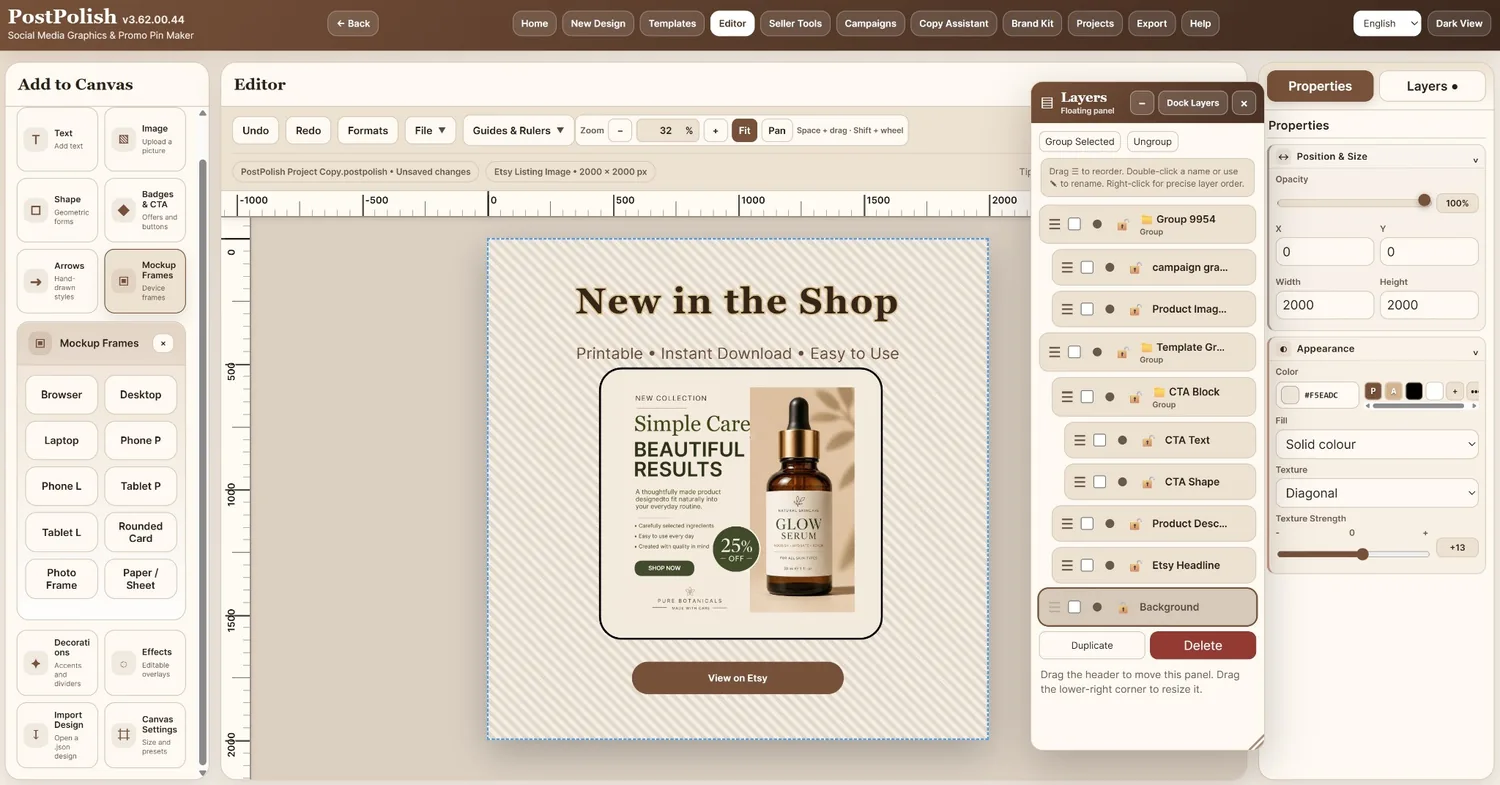
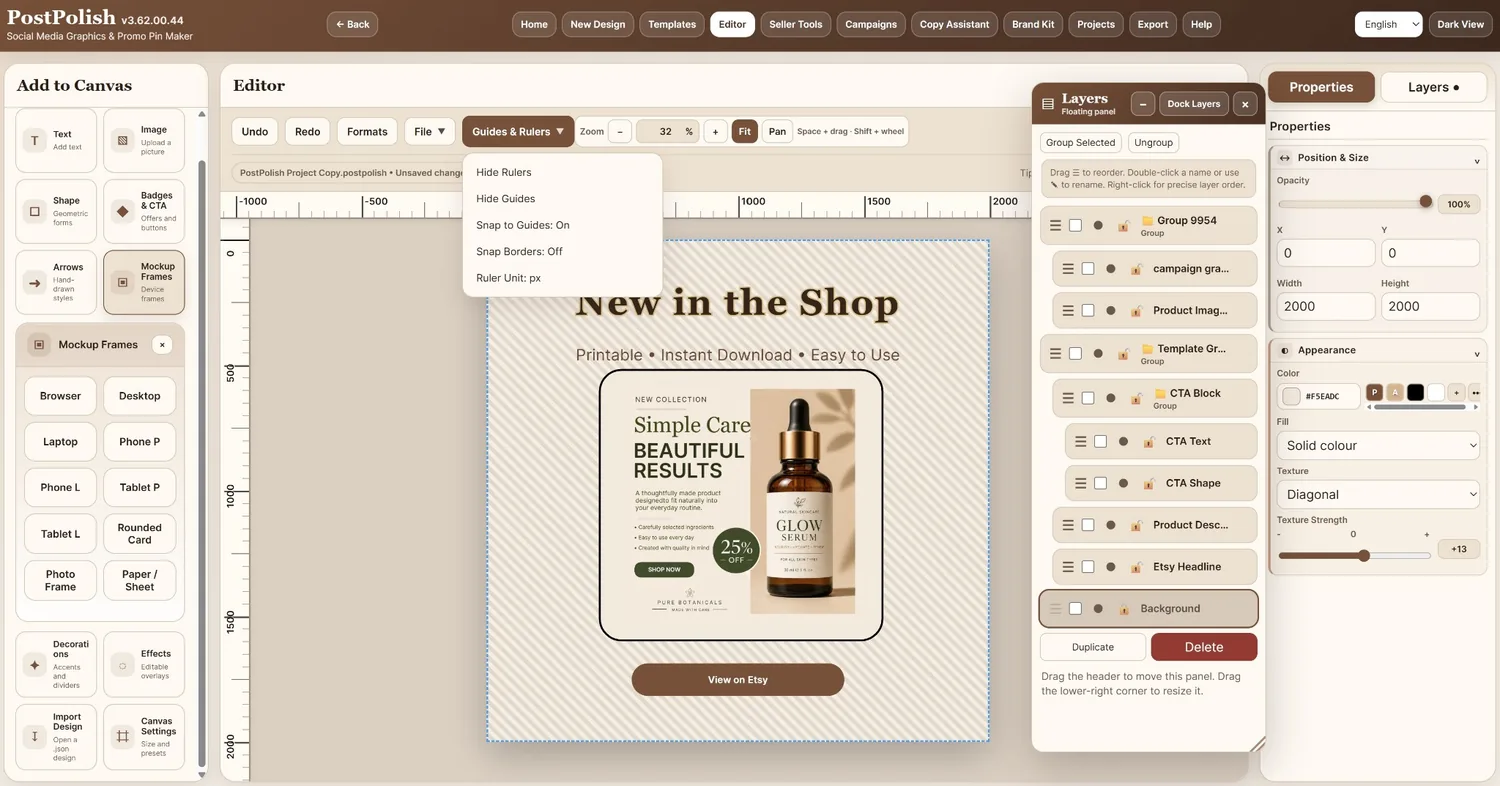
A real layer-based workspace for promotional graphics.
Select an object, edit its properties, control stacking in Layers, and use the canvas tools you need without flattening the whole design.
Check the work, then create the files you need.
The review and export screens are important enough to see clearly — not as tiny thumbnails.
Campaign Review
See errors, warnings and passed checks before you package a campaign.
Seller Export Package
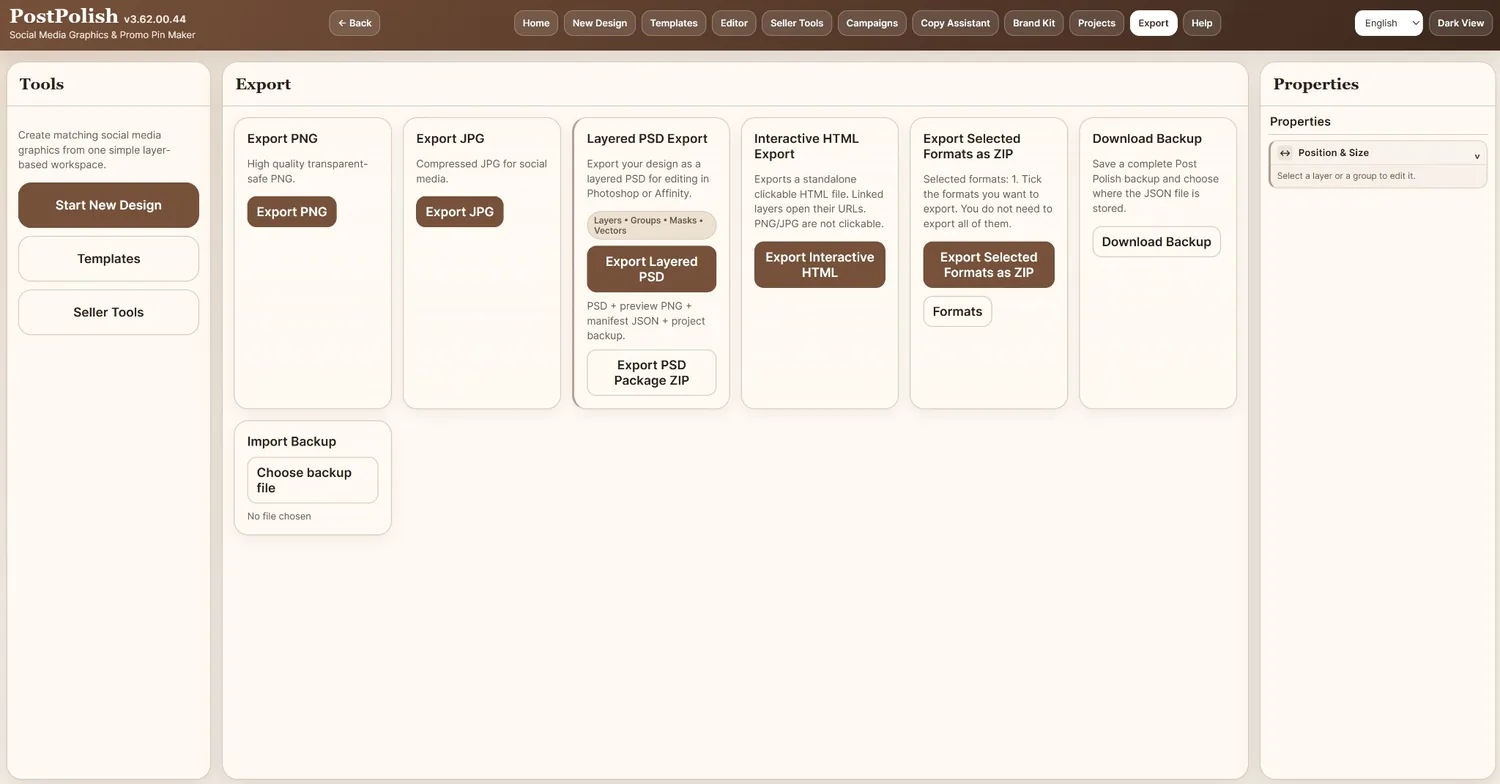
Create an organised campaign ZIP with selected graphics and supporting information.
Individual design export
Use Post Polish in the language that suits you.
The interface supports English, Italian, French, German and Spanish. The customer delivery package also includes matching documentation folders.
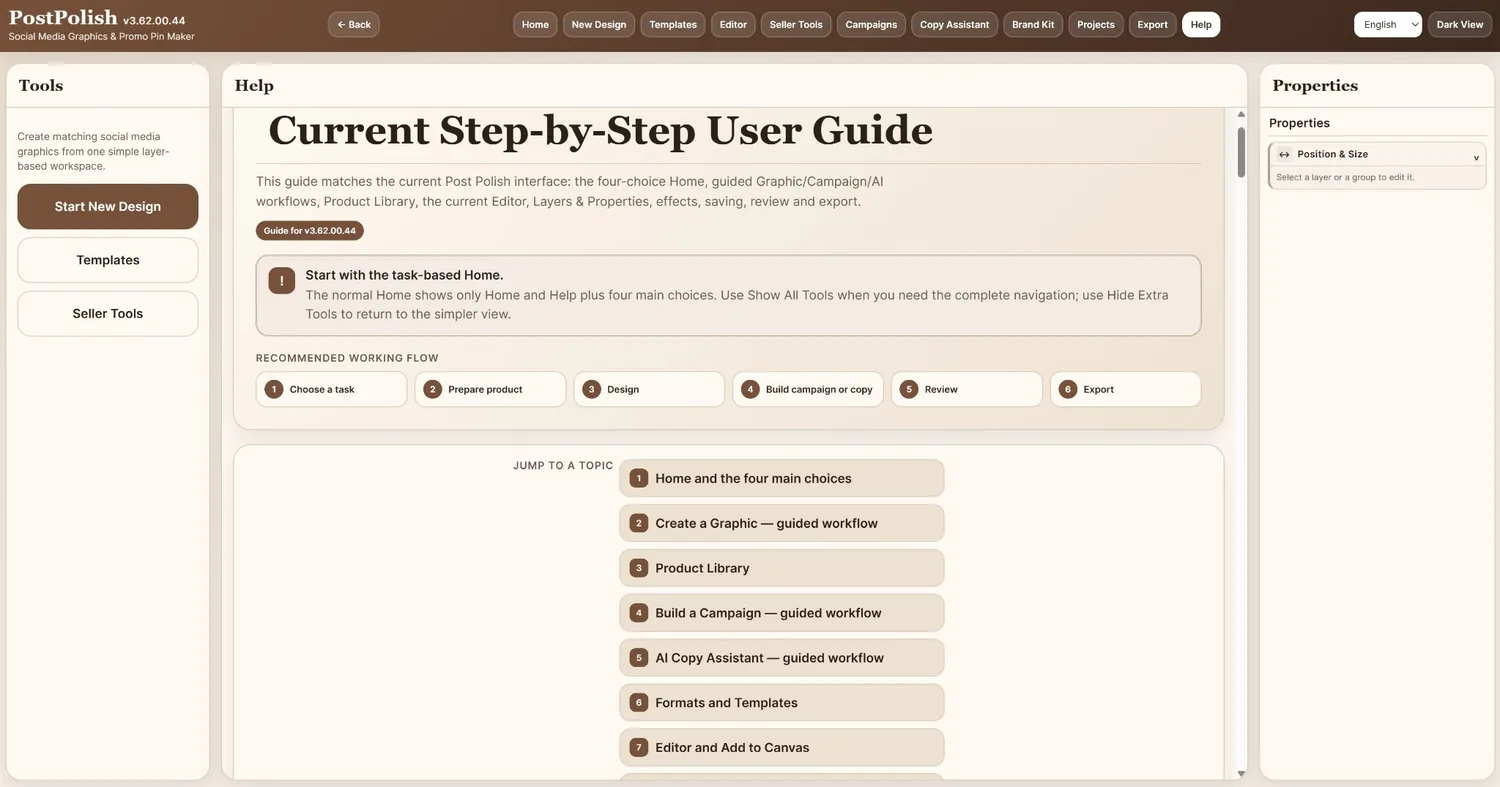
- Complete User Manual
- Quick Start Guide
- Installation Guide with Windows SmartScreen guidance
- OpenAI Setup Guide
- Built-in Step-by-Step Help inside the application
Built for people who create their own promotional material.
Post Polish is designed for practical promotional work rather than trying to replace every specialist creative or publishing tool.
A good fit for
- Online and ecommerce sellers
- Digital-product and software creators
- Affiliate marketers
- Small businesses and freelancers
- Content creators who build their own marketing graphics
- Anyone who needs one-off graphics and coordinated campaign sets
Know what it does not do
- It does not automatically publish to social platforms or marketplaces.
- AI is not an unlimited built-in service; live AI uses the customer's own OpenAI API access.
- It is not a substitute for specialist photo retouching, video editing or full desktop-publishing suites.
- No traffic, income, sales or business result is guaranteed.
Get Post Polish Today.
No monthly subscription is required for the Post Polish application.
Quick answers before you decide.
Do I have to build a campaign to use Post Polish?
No. Choose Create a Graphic from Home for the direct Format → Design → Export workflow. Campaign Builder is there when several promotional pieces belong together.
Can I start from a blank canvas?
Yes. You can choose a prepared format, enter a custom canvas size, or use a template. Canvas Settings can also resize the current design when you intentionally need a different size.
What can I add to the canvas?
Text, images, shapes, badges and CTA elements, arrows, Mockup Frames, Decorations and editable Effects. You can also import supported design data and use Canvas Settings.
Does Post Polish save editable project files?
Yes. The Windows app supports Save and Save As for .postpolish project files, plus autosave recovery and progress/backup safeguards.
Do I need an OpenAI API key?
No. AI is optional. You only need your own compatible OpenAI API access if you want live AI-assisted copy through the Seller Copy Assistant. Core design, product, campaign and export features work without it.
Which languages are included?
English, Italian, French, German and Spanish are supported in the application, and the customer documentation is supplied in the same five languages.
Which Windows versions are supported?
Post Polish is supplied for 64-bit Windows 10 and Windows 11.
Can I use graphics I create for commercial work?
Yes. The licence allows commercial use of your own created output. The software licence itself is for one user and up to two computers.
Create one polished graphic. Or build the whole promotional set.
Start with the job you need today, then use the connected product, brand, campaign and copy tools whenever the work grows.
Please note that this product does not provide any guarantee of income or success. The results achieved by the product owner or any other individuals mentioned are not indicative of future success or earnings. This website is not affiliated with FaceBook or any of its associated entities. Once you navigate away from FaceBook, the responsibility for the content and its usage lies solely with the user. All content on this website, including but not limited to text, images, and multimedia, is protected by copyright law and the Digital Millennium Copyright Act. Unauthorized copying, duplication, modification, or theft, whether intentional or unintentional, is strictly prohibited. Violators will be prosecuted to the fullest extent of the law. We want to clarify that JVZoo serves as the retailer for the products featured on this site. JVZoo® is a registered trademark of BBC Systems Inc., a Florida corporation located at 1809 E. Broadway Street, Suite 125, Oviedo, FL 32765, USA, and is used with permission. The role of JVZoo as a retailer does not constitute an endorsement, approval, or review of these products or any claims, statements, or opinions used in their promotion.
